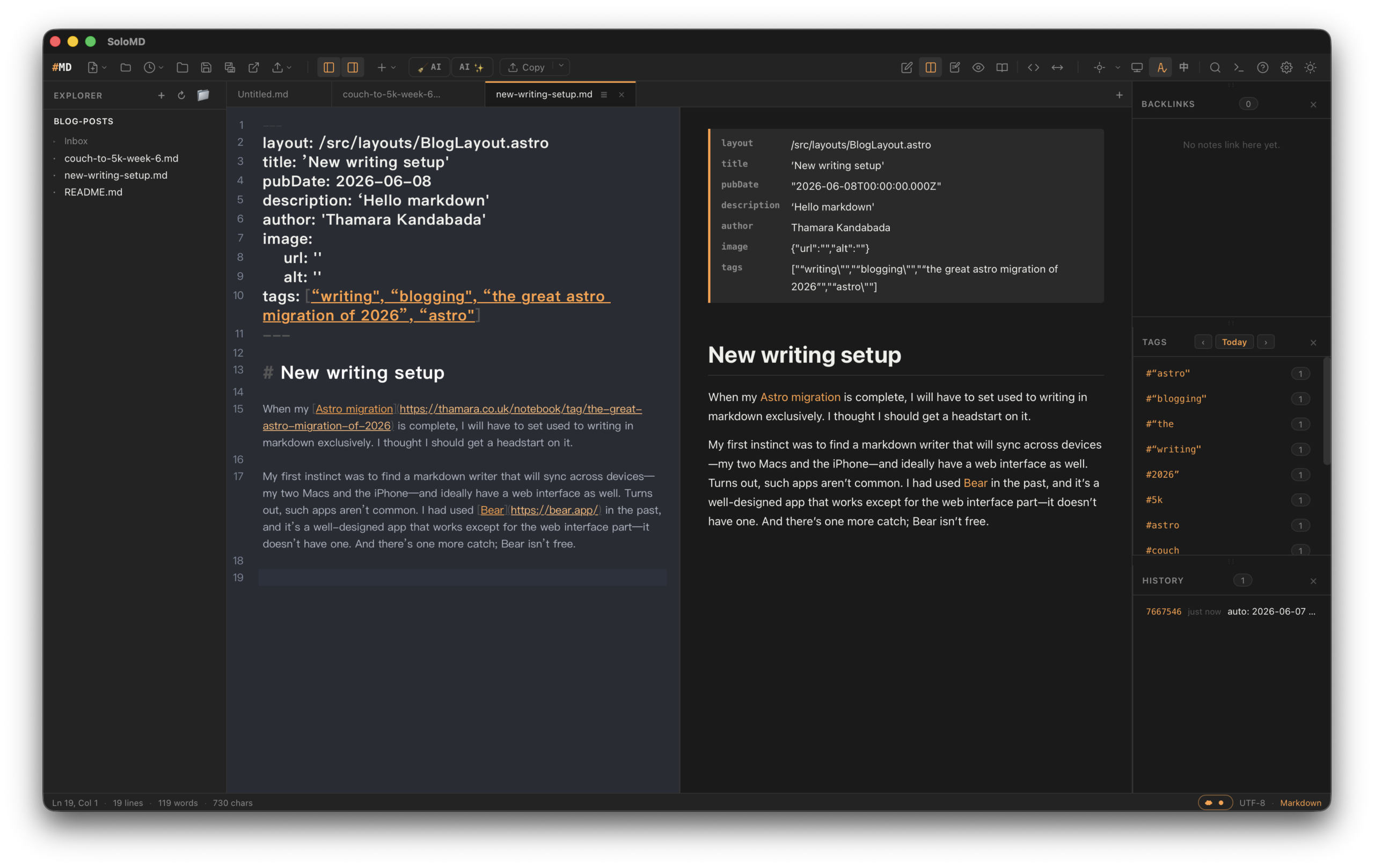

When my Astro migration is complete, I will have to set used to writing in markdown exclusively. I thought I should get a head start on it.
My first instinct was to find a markdown writer that will sync across devices—my two Macs and the iPhone—and ideally have a web interface as well. Turns out, such apps aren’t common. I had used Bear in the past, and it’s a well-designed app that works except for the web interface part—it doesn’t have one. And there’s one more catch; Bear isn’t free.
Then it occurred to me that I could use Git for this. If I was able find a Mac and iOS app that supported Git-based version control, I could use GitHub as my web interface (on the rare occasion that I would need a web interface for writing). I didn’t have to look for long.
On the Mac, I now have SoloMD, a free and open-source markdown writer that is synced to a private GitHub repo that hosts the blog-posts I write as .md files. On the iPhone, I purchased the GitWriter app that allows me to access those files on the move.
Currently, the files live in their own separate repo, and not in the notebook section of my personal-website repo where all the other Astro files are. My plan next is to sync the blog post repo with the notebook section using GitHub Actions. I wanted to keep things separate at the start, until I could make sure it was all working the way I intended.
Leave a Reply